Downloads
Get everything you need to get started with Signogen and maximize your digital signage potential.
Android Smart Screens
All-in-one displays with built-in Android OS – No external player required – Suitable for retail, reception, and menu board use
Android Smart Screens Application
APKsupporting Android 8.0+
OEM Android TV
Branded or non-branded TVs running Android TV OS – App can be installed from Play Store or via APK – Suitable for basic signage where app installation is allowed
OEM Android TV Application
APKsupporting Android TV OS
Windows
Windows PC / Mini PC / OPS connected to display – Supports single screen and video wall systems – Suitable for advanced signage, dashboards, and large setups
Windows Application
EXEsupporting Windows 10 & 11
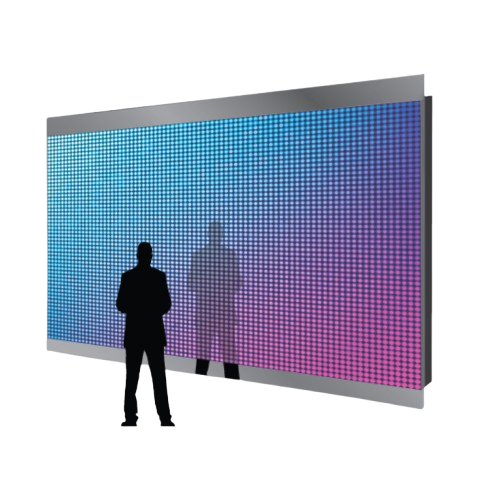
Video Walls
Supports external P1, P2, P3, P4, P5 pixel tile displays – Works with interior & exterior LED video walls – Uses Android player as content source – Suitable for large-format advertising and control rooms
Video Walls Application
APKsupporting LED Video Walls
LG (webOS)
Commercial displays running LG webOS – App installation requires LG webOS compatible app or middleware – Suitable for enterprise signage with controlled environments
LG (webOS) Application
EXEsupporting LG webOS 4.0+
Samsung (Tizen OS)
Commercial displays running Samsung Tizen OS – App deployment via Tizen-compatible app or Samsung signage platform – Suitable for enterprise signage with stable, managed environments
Samsung (Tizen OS) Application
EXEsupporting Tizen 4.0+
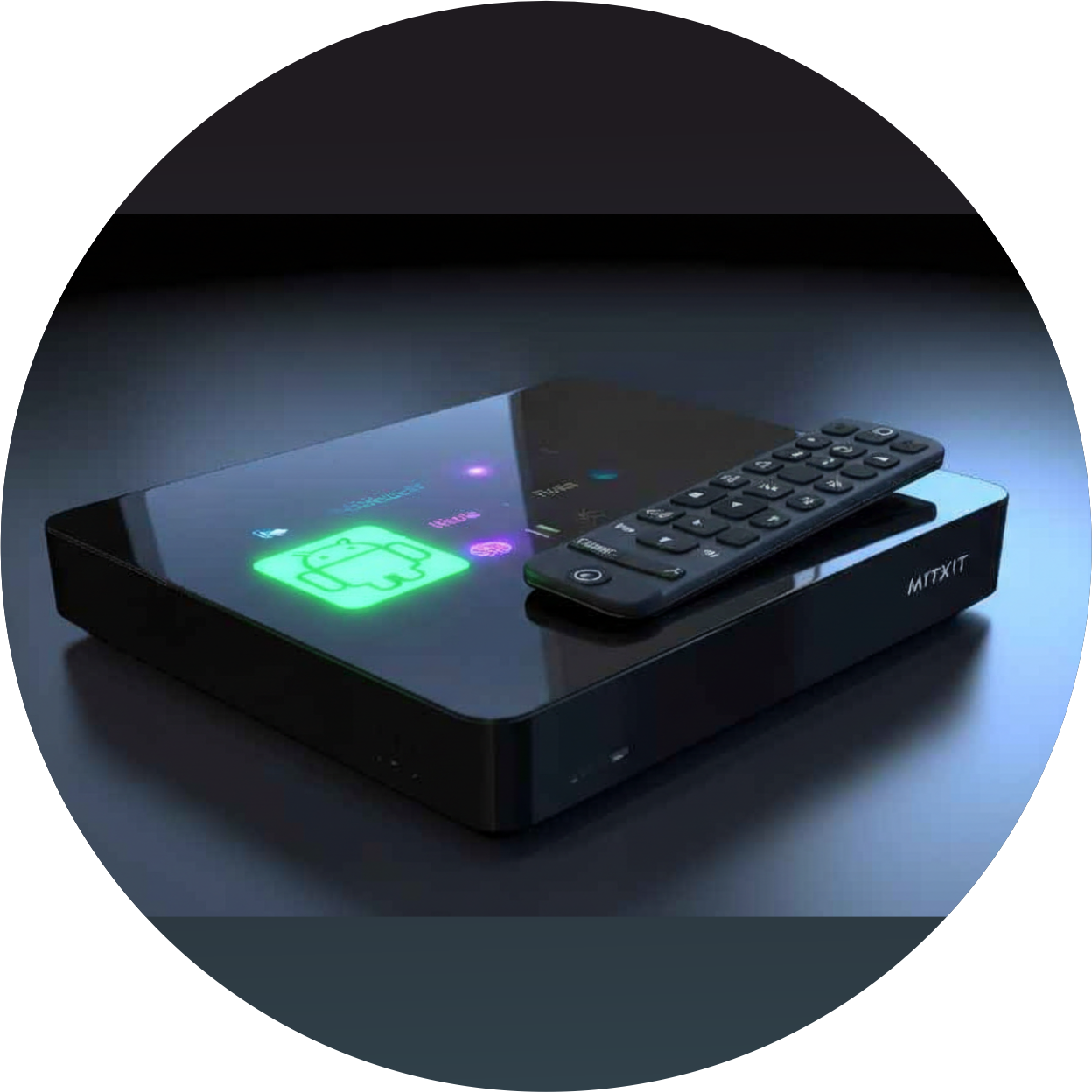
Android Setup Box / Player
External Android media player connected via HDMI – Works with any display (TV, monitor, LED controller) – Suitable for scalable, reliable signage where built-in OS is limited
Android Setup Box / Player Application
APKsupporting Android 8.0+
Auto Boot App
Automatically launches Signogen app on device startup – Ensures uninterrupted signage operation – Works with Android devices that support auto-start functionality
Auto Boot App Application
APKsupporting Android 8.0+
Fire OS Player
With Signogen's Fire OS player, you can use Fire tablets and Fire TV smart TVs, as well as other compatible Fire OS devices, to power your digital signage. You can easily install Signogen's Fire OS player via the Amazon App Store on your device.
Device type
Fire OS Player Application
APKsupporting Fire OS 5.0+
ChromeOS
Chrome OS devices including Chromebooks and Chromeboxes – Supports web-based signage applications – Ideal for cloud-based digital signage solutions with easy management and deployment
ChromeOS Application
EXEsupporting Chrome OS 90+
Linux
Linux-based systems and distributions – Supports Ubuntu, Debian, Fedora, and other major distros – Perfect for custom installations and enterprise environments requiring open-source solutions
Linux Application
EXEsupporting Linux kernel 4.0+
Sony Bravia
Sony Bravia smart TVs with Android TV OS – Access via Google Play Store on compatible Bravia models – Suitable for premium displays in corporate, retail, and hospitality environments
Sony Bravia Application
APKsupporting Sony Bravia Android TV
Need Help?
Can't find what you're looking for? Check our documentation or contact our support team.